28 May
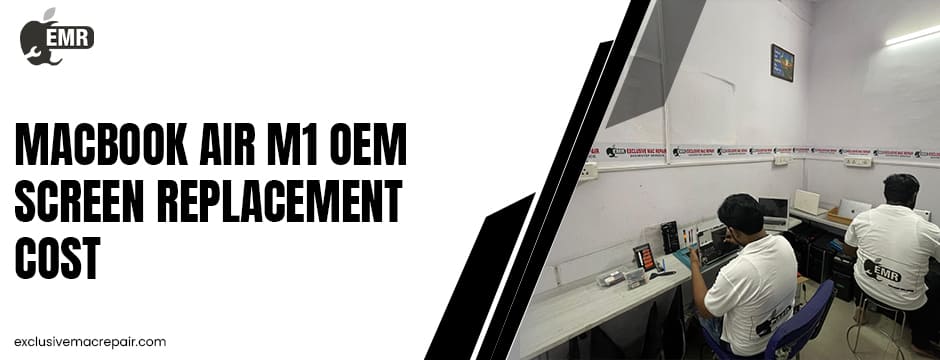
The MacBook Air M1 remains one of Apple’s most popular laptops thanks to its incredible performance, battery life, and sleek Retina display. However, despite its premium build quality, screen damage is one of the most common issues users face.
Whether it is a cracked display, flickering panel, black screen, dead pixels, or display cable failure, replacing the screen can be expensive if you are not prepared. Understanding MacBook Air M1 OEM Screen Replacement Cost, repair options, and factors affecting pricing can help you make the right decision and avoid unnecessary expenses.
Affordable MacBook Air M1 OEM Screen Replacement Cost by Exclusive Mac Repair
| Service | Model | Cost |
| OEM Screen Replacement | MacBook Air M1 | Starts from Rs 17500 |
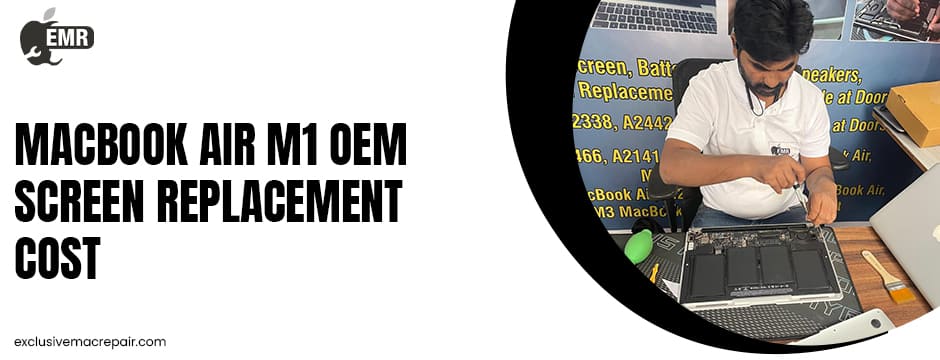
What Is an OEM Screen Replacement?
OEM stands for Original Equipment Manufacturer. In simple terms, an OEM screen replacement means your MacBook Air M1 receives a display that matches Apple’s original specifications in terms of quality, resolution, brightness, and colour accuracy.
OEM displays are different from cheap aftermarket alternatives because they provide:
- Original Retina display quality
- Accurate color reproduction
- Better durability
- Proper brightness calibration
- Improved compatibility with macOS
Many third-party repair shops offer lower-cost compatible screens, but these may compromise visual quality or long-term reliability.
According to Apple Support, Apple-certified repairs use genuine parts designed and tested for Apple products.
Common Reasons MacBook Air M1 Screens Need Replacement
MacBook Air M1 screens are thin and delicate. Even minor pressure can damage the display assembly.
Accidental Physical Damage
A drop, impact, or pressure on the lid can crack the Retina display instantly. Even placing objects between the keyboard and screen may cause damage because MacBooks have extremely tight tolerances.
Flickering or Glitching Display
Some users experience flickering, horizontal lines, or colour distortion. These symptoms may indicate:
- Faulty display cables
- Panel damage
- Graphics-related issues
- Internal connector problems
Black Screen Issues
A completely black screen with the laptop still powering on often points to a display assembly failure.
Liquid Damage
Water or moisture exposure can damage display circuits and backlight systems.
Dead Pixels and Display Burns
Though less common, ageing or manufacturing issues can lead to pixel defects over time.
Why Apple Repairs Cost More?
Apple and authorised service centres often replace the entire display assembly instead of repairing individual components. This includes:
- Retina panel
- Aluminum lid
- Camera assembly
- Display cables
- Backlight components
Because Apple uses genuine parts and certified technicians, repair pricing is naturally higher. However, you also receive:
- Genuine component assurance
- Warranty protection
- Professional calibration
- Long-term reliability
Apple states that repair pricing depends on warranty status and inspection results.
OEM vs Aftermarket Screens
Choosing between OEM and aftermarket displays is one of the biggest decisions MacBook owners face.
OEM Screen Advantages
- Original Retina clarity
- Better True Tone compatibility
- Longer lifespan
- Better viewing angles
- Proper brightness levels
- Improved resale value
Aftermarket Screen Advantages
- Lower upfront cost
- Faster availability
- Budget-friendly option
Potential Problems With Cheap Displays
Low-quality MacBook Air M1 OEM Screen Replacement panels may result in:
- Washed-out colors
- Uneven brightness
- Poor backlight quality
- Ghosting issues
- Reduced durability
- Compatibility problems with macOS updates
For professional users such as designers, editors, developers, or business professionals, OEM-quality replacements are usually the smarter investment.
Signs You Need Immediate Screen Repair
Do not ignore these warning signs:
- Random screen flickering
- Vertical or horizontal lines
- Pink or green tinting
- Partial display blackout
- Cracked glass
- Display only works at certain angles
- Black spots are spreading across the screen
One Apple community response notes that angle-related display glitches often indicate display cable wear and may require full display replacement.
Ignoring these issues can worsen the damage and increase the repair MacBook Air M1 OEM Screen Replacement Cost later.
Can You Use an External Monitor Instead?
Yes. If your MacBook Air M1 display is damaged but the laptop still works internally, you can connect it to an external monitor using USB-C.
This can temporarily save money while you decide whether to repair or replace the device. However, relying permanently on an external monitor reduces portability and convenience.
How Long Does Screen Replacement Take?
Repair timelines depend on:
- Parts availability
- Repair complexity
- Service provider workload
- Whether OEM parts are in stock
Most professional repairs take:
- Same day for basic repairs
- 1–3 business days for full OEM display replacements
Authorised centres may sometimes take longer due to part ordering procedures.
Tips to Prevent Future MacBook Screen Damage
Avoid Keyboard Covers
Apple warns against leaving objects between the keyboard and screen when closing the lid.
Use a Protective Sleeve
A padded sleeve reduces impact damage during travel.
Open the Lid Carefully
Always lift the screen from the centre to avoid hinge stress.
Keep Liquids Away
Liquid exposure remains one of the costliest MacBook repairs.
Clean Properly
Use microfiber cloths only. Avoid harsh cleaners.
Is Repairing a MacBook Air M1 Screen Worth It?
In most cases, yes.
The M1 MacBook Air still delivers excellent performance for:
- Video editing
- Coding
- Office work
- Content creation
- Graphic design
- Web browsing
- Business productivity
Replacing the screen is usually far cheaper than buying a brand-new MacBook.
If your laptop has no motherboard or battery issues, repairing the display can extend its life by several more years.
Bottom Line
A damaged MacBook Air M1 screen can feel frustrating, especially when repair quotes vary dramatically. OEM screen replacement costs are higher than aftermarket alternatives, but they provide superior quality, reliability, and long-term performance. Whether you are dealing with cracks, flickering, black screens, or display cable issues, choosing an experienced repair specialist is essential.
If you are looking for professional MacBook Air M1 OEM Screen Replacement Cost, Exclusive Mac Repair offers expert Apple device repair services with reliable diagnostics and high-quality replacement support to help restore your MacBook to peak condition.