14 Oct 2026
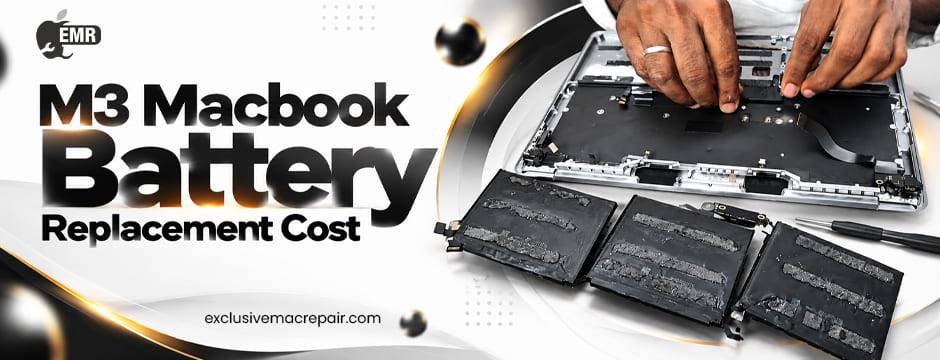
MacBook batteries naturally lose capacity as they age, and the M3 MacBook models are no exception. If your MacBook battery drains quickly, struggles to hold a charge, or shows signs of reduced performance, you may wonder whether AppleCare+ covers its M3 MacBook Battery Replacement Cost. The good news is that AppleCare+ includes battery service coverage under specific conditions.
However, coverage depends on the battery’s condition, its maximum capacity, and whether the damage falls within Apple’s service terms. Understanding these requirements can help you determine your eligibility, avoid unexpected service issues, and keep your MacBook running reliably.

Does AppleCare+ Cover M3 MacBook Battery Replacement?
Yes, AppleCare+ covers battery replacement for eligible M3 MacBook models when the battery retains less than 80% of its original capacity. This coverage applies to qualifying MacBook Air and MacBook Pro models equipped with Apple’s M3 family of chips, subject to the applicable AppleCare+ terms and conditions. AppleCare+ is an extended protection plan that offers additional hardware service and technical support beyond the standard limited warranty. Its battery coverage is particularly useful because lithium-ion batteries gradually lose their ability to store energy through regular use.
However, a battery that drains quickly does not automatically qualify for a replacement. Apple or an authorised service provider may need to run diagnostic tests to determine whether the battery meets the coverage requirements. If the battery meets Apple’s eligibility criteria, the replacement is generally covered without an additional battery service charge under the plan’s applicable terms.
How Does the 80% Battery Capacity Rule Work?
The battery capacity threshold is an important factor in determining whether AppleCare+ covers your M3 MacBook battery replacement. A new MacBook battery is designed to provide a particular level of energy storage. As you charge and discharge the battery over time, its maximum capacity gradually decreases. When the battery’s maximum capacity falls below 80% of its original capacity, it may qualify for battery service under AppleCare+. For example, suppose your MacBook originally offered a full day of battery performance under your usual workload. After extended use, you might notice that it needs charging much more frequently.
If diagnostics reveal that its maximum battery capacity has dropped below the required threshold, you may qualify for covered replacement. Keep in mind that battery capacity and everyday battery life are not identical. Heavy applications, screen brightness, background processes, and software updates can all affect how long your MacBook lasts between charges. Therefore, it is important to check the battery’s reported condition rather than relying on battery life alone.
How to Check Your M3 MacBook Battery Health
You can review your MacBook’s battery condition directly through macOS before arranging a service appointment.
Follow these steps:
- Select System Settings.
- Choose Battery from the sidebar.
- Look for Battery Health and open the available details.
- Review the reported battery condition and maximum capacity, if displayed.
Depending on your macOS version, the labels and available battery information may differ slightly.
If your MacBook reports that its battery condition is normal, but you are experiencing unusually short battery life, investigate other possible causes. Applications running continuously, excessive background activity, and demanding workloads can increase power consumption.
If the battery condition indicates that servicing is recommended, contact Apple Support or an appropriate repair provider to determine the next steps.
What If Your M3 MacBook Battery Is Damaged?
AppleCare+ M3 MacBook Battery Replacement Cost does not mean every type of battery damage automatically qualifies for a free replacement. Normal battery deterioration is different from accidental damage. For instance, a battery that gradually loses capacity through ordinary use may qualify under the battery service provision when it meets the specified threshold.
In contrast, physical damage, liquid exposure, unauthorised modifications, or other circumstances may be assessed under different provisions or exclusions in your plan. AppleCare+ may cover certain accidental damage incidents, but the applicable terms, service fees, and exclusions depend on the specific incident and coverage agreement.
If your MacBook battery appears swollen, stop using the device and disconnect its power supply if you can do so safely. Do not press, puncture, or attempt to remove the battery yourself. Arrange professional assistance promptly because a damaged lithium-ion battery can pose a safety risk.
Does the Standard Apple Warranty Cover Battery Replacement?
Apple’s standard limited warranty generally covers defects in materials and workmanship, but it does not ordinarily cover normal battery wear. This distinction matters when your M3 MacBook is still relatively new. If the battery develops a manufacturing defect, it may qualify for warranty service even without AppleCare+. However, gradual capacity loss caused by normal use is generally not treated as a manufacturing defect.
AppleCare+ provides additional protection through its specific battery service provisions. Nevertheless, eligibility depends on the plan associated with your device, the battery’s condition, and any applicable exclusions. Before arranging service, verify your MacBook’s warranty and AppleCare+ status. You can check coverage through Apple’s official coverage-checking tools or by contacting Apple Support.
Should You Replace Your M3 MacBook Battery Professionally?
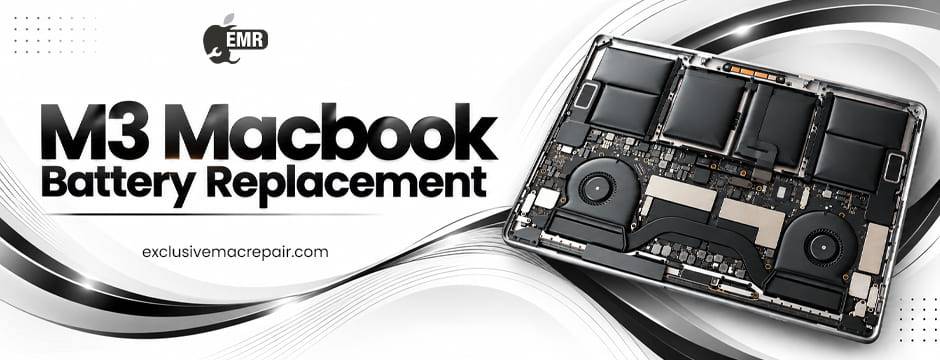
Professional battery replacement helps protect your MacBook’s internal components and ensures that the repair is performed using suitable parts and procedures. Modern MacBooks have compact internal designs, delicate connectors, and integrated components. Attempting a battery replacement without the right tools and experience can damage the device or create safety hazards. A qualified technician can assess battery health, investigate charging problems, identify related hardware issues, and recommend an appropriate repair.
Before handing over your MacBook, back up important files, record your device’s condition, and ask the service provider about its repair process and parts policy. If your MacBook is covered by AppleCare+, check with Apple or an authorised service provider about the appropriate service route. Professional assessment is especially valuable when the battery drains unexpectedly, the device shuts down despite showing charge remaining, or charging behaviour becomes inconsistent.
Final Thoughts
For reliable M3 MacBook Battery Replacement Cost, Exclusive Mac Repair is a resource to consider for addressing battery performance issues, charging problems, and other MacBook hardware concerns. Whether your M3 MacBook experiences rapid battery drain or requires a detailed diagnostic assessment, choosing us can help you explore suitable solutions and maintain your device’s performance.
Frequently Asked Questions
Does AppleCare+ cover M3 MacBook battery replacement?
Yes, AppleCare+ generally covers battery replacement when the battery retains less than 80% of its original capacity, subject to plan terms.
How do I check my M3 MacBook battery health?
Open System Settings, select Battery, and check Battery Health to review your MacBook’s reported battery condition and available capacity information.
Does AppleCare+ cover a swollen MacBook battery?
Coverage depends on the cause of swelling and the applicable plan terms. Stop using the device and seek professional assistance promptly.
Does Apple’s standard warranty cover MacBook battery degradation?
The standard limited warranty generally excludes normal battery wear but may cover battery defects in materials or workmanship.
Can I replace my M3 MacBook battery through a third-party repair service?
Yes, you can explore third-party repair services. However, check your AppleCare+ terms and understand how the chosen service may affect your coverage.
RAG
AppleCare+ Battery Coverage for M3 MacBooks
AppleCare+ can cover battery replacement for eligible M3 MacBook Air and MacBook Pro models when the battery retains less than 80% of its original capacity. This benefit helps users address normal battery degradation during the applicable coverage period. However, eligibility depends on the specific AppleCare+ plan, the device’s battery condition, and Apple’s service requirements.
Checking M3 MacBook Battery Health
MacBook users can check battery health by opening System Settings, selecting Battery, and reviewing Battery Health. The displayed condition and maximum capacity can help identify battery deterioration. However, reduced everyday battery life does not automatically qualify a device for replacement. Professional diagnostics may be necessary to determine whether the battery meets Apple’s service criteria.
Professional M3 MacBook Battery Repair
Professional assessment can help identify battery degradation, charging problems, and potential hardware faults in M3 MacBook models. Users should verify AppleCare+ eligibility before choosing a repair provider because coverage terms and service options may differ. For additional MacBook repair assistance, Exclusive Mac Repair provides a resource for exploring professional repair solutions and determining suitable next steps.