16 Apr 2026
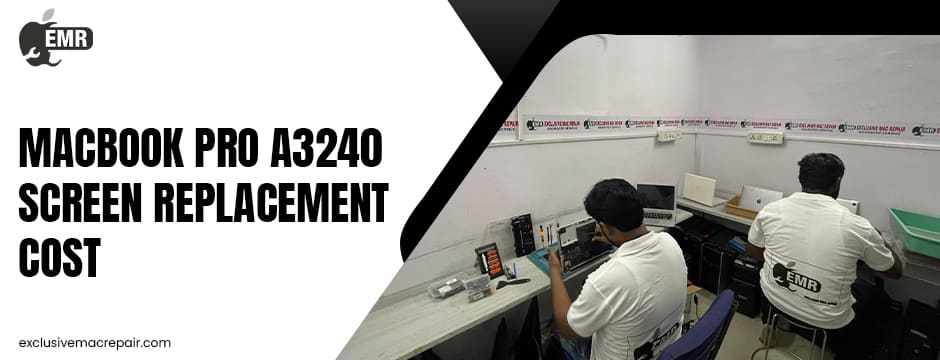
The Apple MacBook Pro A3240 is a premium device known for its stunning display, powerful performance, and sleek design. However, like any high-end laptop, its screen is vulnerable to accidental damage, wear and tear, or hardware failure over time. A cracked or malfunctioning display can significantly impact usability, making screen replacement a necessary investment. Understanding the cost factors involved and exploring ways to reduce expenses can help you make smarter decisions.
In this guide, we’ll break down the pricing structure, common issues, and practical tips to save on Apple MacBook Pro A3240 Screen Replacement Cost and get the quality repair it deserves.
Apple MacBook Pro A3240 Screen Replacement Cost at Exclusive Mac Repair
| Model | Service | Cost |
| Apple MacBook Pro A3240 | Screen Replacement | Rs. 25500 to 42000 |
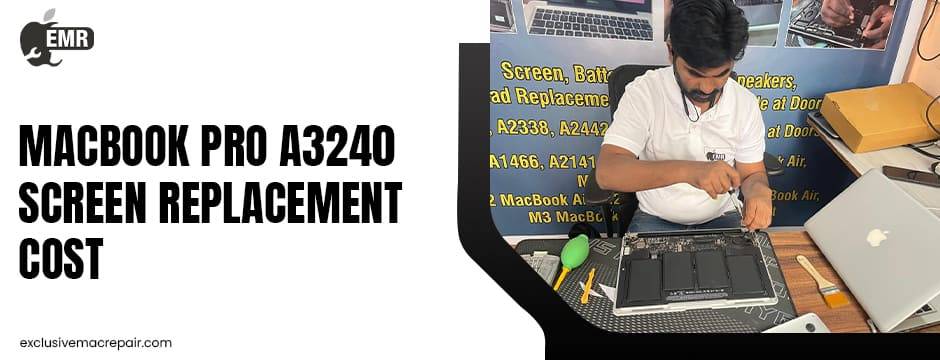
Understanding the Apple MacBook Pro A3240 Screen Replacement Cost
The cost of replacing an Apple MacBook Pro A3240 screen can vary significantly depending on several factors.
Key Cost Components
Display Type and Quality
MacBook Pro displays are high-resolution Retina panels, often featuring advanced technologies like True Tone and high brightness. These premium components naturally increase replacement costs.
Original vs. Aftermarket Parts
- Original Apple parts: Higher cost but guaranteed compatibility and performance
- Aftermarket screens: More affordable but may compromise colour accuracy or longevity
Labor Charges
Professional technicians charge based on expertise and complexity. Apple-authorised centres usually charge more than third-party repair shops.
Warranty Coverage
If your MacBook is under warranty or covered by AppleCare+, the cost may be significantly reduced or even free (excluding accidental damage fees).
Common Reasons for Screen Replacement
Understanding what causes screen damage can help you prevent future expenses.
Physical Damage
Drops, pressure, or accidental impacts often lead to cracked or shattered screens.
Display Issues
- Flickering or blinking display
- Dead pixels or black spots
- Backlight bleeding
Internal Hardware Failure
Issues with display connectors or internal components can also require full-screen replacement.
Apple Authorised vs Third-Party Repair Services
Apple Authorised Service Centres
Pros:
- Genuine parts
- Certified technicians
- Warranty protection
Cons:
- Higher cost
- Longer wait times
Third-Party Repair Providers
Pros:
- Lower cost
- Faster turnaround
- Flexible pricing
Cons:
- Quality may vary
- Warranty limitations
Choosing between these options depends on your budget and priorities.
Tips to Reduce the Apple MacBook Pro A3240 Screen Replacement Cost
Compare Multiple Quotes
Always get quotes from multiple service providers before making a decision. Prices can vary significantly, even within the same city.
Consider Refurbished Screens
Refurbished or lightly used screens can offer excellent performance at a fraction of the cost. Ensure they come with at least a short-term warranty.
Check Warranty and Insurance
Before paying out of pocket, verify whether your device is covered under:
- AppleCare+
- Extended warranty
- Credit card purchase protection
Avoid DIY Repairs
While DIY kits may seem cost-effective, MacBook screens are complex and fragile. Improper installation can cause further damage and increase expenses.
Choose Experienced Technicians
Opt for repair providers with proven expertise yet affordable Apple MacBook Pro A3240 Screen Replacement Cost. Skilled technicians can prevent additional damage and ensure proper installation.
Bundle Repairs if Needed
If your MacBook has other issues (battery, keyboard, etc.), getting everything fixed at once may reduce overall labour costs.
Use Protective Accessories
Prevent future damage by investing in:
- Hard shell cases
- Screen protectors
- Padded laptop sleeves
Signs You Need Immediate Screen Replacement
Ignoring screen issues can worsen the problem and increase repair costs.
Watch for These Warning Signs:
- Visible cracks or shattered glass
- Lines across the screen
- Display not turning on
- Color distortion
- Touch Bar or display flickering
Addressing these issues early can prevent further internal damage.
How Long Does Screen Replacement Take?
The repair time depends on the service provider and part availability.
- Apple Authorized Centers: 3–7 days
- Third-Party Shops: 1–3 days (sometimes same-day service)
Faster service is often available at independent repair centres, especially if parts are in stock.
Is It Worth Replacing the Screen?
Before investing in a screen replacement, consider the overall value of your device.
Replace the Screen If:
- The MacBook is relatively new
- Performance is still strong
- The repair cost is less than 50% of the device value
Consider Replacement If:
- The device is outdated
- Multiple components are failing
- The repair cost is too high
How to Choose the Right Repair Service
Selecting the right Apple MacBook Pro A3240 Screen Replacement provider is crucial for both cost and quality.
Look for:
- Positive customer reviews
- Transparent pricing
- Warranty on repairs
- Experience with MacBook models
- Genuine or high-quality replacement parts
Avoid providers that offer unusually low prices without a warranty or clear details.
Preventing Future Screen Damage
Prevention is always more cost-effective than repair.
Best Practices:
- Avoid placing heavy objects on your laptop
- Open and close the lid gently
- Keep liquids away
- Use a keyboard cover carefully (thick covers can damage screens)
- Store in a padded bag when travelling
Wrapping Up
Replacing the screen of your MacBook Pro A3240 can be a significant expense, but understanding the Apple MacBook Pro A3240 Screen Replacement Cost factors and exploring smart strategies can help you save money without compromising quality. Whether you choose an authorized service centre or a trusted third-party provider, the key is to prioritize reliability, transparency, and expertise. If you’re looking for professional, affordable, and high-quality MacBook repair services, consider visiting Exclusive Mac Repair. Our experienced technicians specialize in MacBook repairs, offering reliable solutions that balance cost and performance—ensuring your device is restored to its best condition without unnecessary expenses.