23 Jul 2026
| Model | Service | Cost |
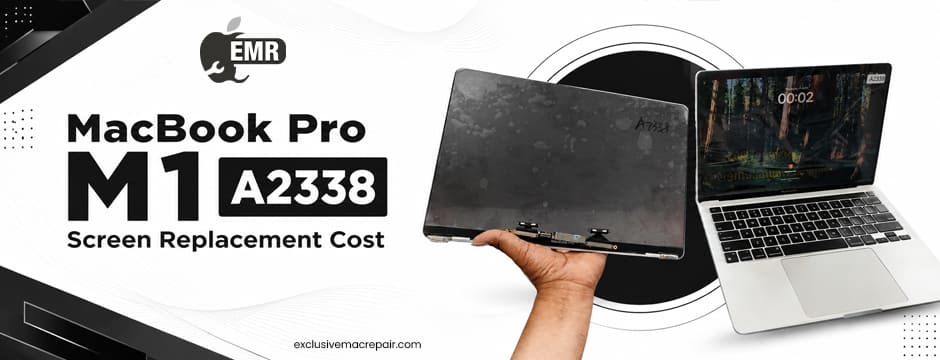
| MacBook Pro M1 A2338 | Screen Replacement | Starts from Rs.17500 |
The MacBook Pro M1 A2338 is known for its outstanding performance, exceptional battery life, and stunning Retina display. However, despite its premium build quality, accidental drops, pressure damage, liquid spills, and display failures can lead to an expensive screen replacement. If you’re dealing with a cracked display, black screen, flickering, dead pixels, or vertical lines, understanding your repair options can help you make an informed decision.
This guide compares different screen replacement options, discusses MacBook Pro M1 A2338 Screen Replacement Cost factors, and explains how to choose the right repair service while protecting your investment.
Understanding the MacBook Pro M1 A2338 Display
Released in late 2020, the MacBook Pro M1 A2338 features a 13.3-inch Retina Display with:
- 2560 × 1600 resolution
- IPS technology
- P3 Wide Colour
- True Tone support
- LED backlighting
- High brightness and excellent colour accuracy
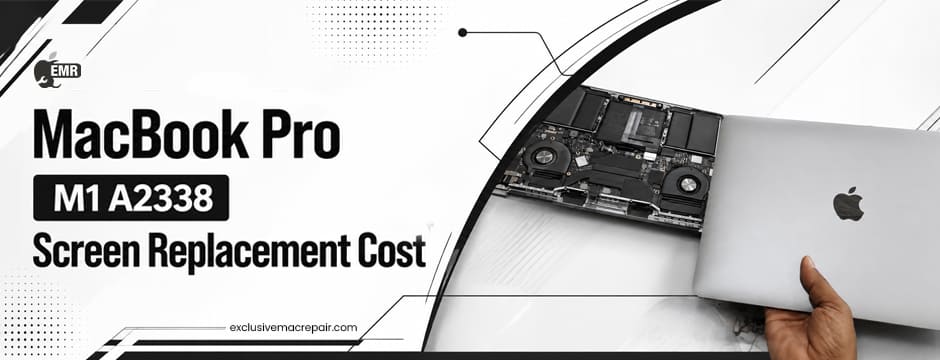
Unlike older laptops, the display assembly includes several integrated components. In many cases, replacing only the glass isn’t possible, meaning the complete display assembly must be replaced.
Common Reasons for Screen Replacement
Several issues may require a complete screen replacement.
Physical Damage
The most common reason is accidental impact resulting in:
- Cracked glass
- Broken LCD
- Internal pressure damage
Vertical or Horizontal Lines
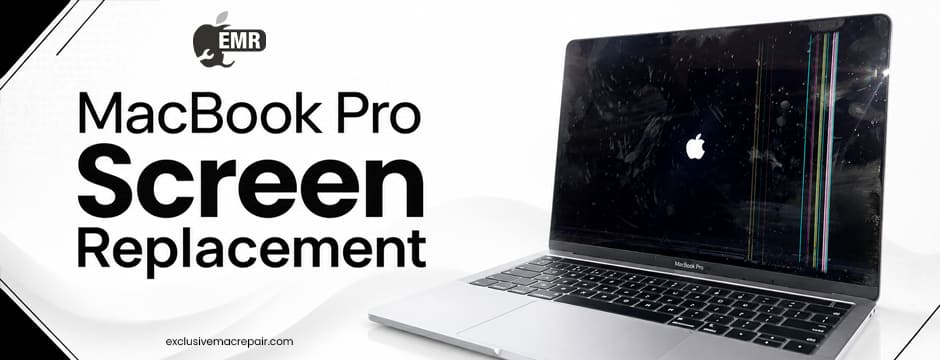
Colored lines often indicate internal LCD damage that cannot be repaired.
Black Screen
A black display despite the MacBook powering on could indicate:
- LCD failure
- Display connector issues
- Internal panel damage
A technician should diagnose the exact cause before replacing the screen.
Flickering Display
Continuous flickering may result from:
- Impact damage
- Display cable issues
- Failing LCD panel
Dead Pixels
Clusters of dead pixels can significantly affect productivity and usually require panel replacement.
Factors That Affect Screen Replacement Cost
The price varies depending on multiple factors.
Original vs Compatible Display
OEM-quality displays generally cost more but deliver:
- Better brightness
- Superior color accuracy
- Longer lifespan
- Improved reliability
Lower-cost compatible screens may reduce repair costs but sometimes compromise display quality.
Repair Provider
Pricing differs between:
- Apple Authorised Service Providers
- Independent Mac repair specialists
- Local repair shops
Independent Mac specialists often offer competitive pricing while maintaining high-quality repairs.
Extent of Damage
Sometimes the issue extends beyond the display.
Additional repairs may include:
- Display cable replacement
- Camera assembly
- Hinges
- Upper lid components
These can increase the final repair cost.
Warranty Coverage
If your MacBook is covered by AppleCare+ and the damage qualifies, repair costs may be significantly lower.
For out-of-warranty devices, you’ll typically pay the full replacement cost.
Repair Options Compared
Option 1: Apple Authorised Service Centre
Pros
- Genuine Apple components
- Certified technicians
- Official warranty on repairs
Cons
- Higher repair cost
- Longer turnaround time
- Limited flexibility for older devices
This option is ideal for users who prioritise official Apple servicing.
Option 2: Independent Mac Repair Specialist
Professional Mac repair specialists focus exclusively on Apple devices.
Advantages
- Lower pricing
- Faster repairs
- Experienced Apple technicians
- High-quality replacement displays
- Personalised customer service
Many independent repair centres also provide warranties on replacement screens.
Option 3: DIY Screen Replacement
Some users attempt to replace the screen themselves.
Potential Benefits
- Lower labor cost
- Learning experience
Risks
- Delicate display cables
- Possibility of damaging the logic board
- Improper installation
- No repair warranty
Because the M1 MacBook is highly integrated, DIY repairs are generally recommended only for experienced technicians.
Estimated Screen Replacement Cost
Although the MacBook Pro M1 A2338 Screen Replacement Cost varies by region and repair provider, general estimates include:
| Repair Option | Typical Cost Range |
| Apple Authorised Service | Premium pricing |
| Independent Repair Specialist | Moderate pricing |
| DIY Replacement | Lowest upfront cost but highest risk |
Always request a detailed quotation before proceeding.
Signs You Should Replace Instead of Repairing the Screen
In some situations, repair isn’t possible.
Replacement is usually necessary when:
- LCD is cracked
- Screen shows ink-like black spots
- Vertical colored lines appear
- Display remains black after diagnosis
- Glass damage affects LCD functionality
Minor cosmetic scratches, however, may not require replacement.
How Long Does Screen Replacement Take?
Repair time depends on:
- Parts availability
- Technician expertise
- Repair complexity
Many experienced repair centres complete replacements within the same day or within a few hours when parts are readily available. Some providers also offer doorstep repair or pickup and delivery services for added convenience.
Should You Repair or Replace Your MacBook?
Consider repairing if:
- The MacBook functions well otherwise.
- The M1 processor still meets your performance needs.
- Repair costs are significantly lower than buying a new MacBook.
Consider replacing the laptop if:
- Multiple major components are damaged.
- Repair costs approach the value of the device.
- You need substantially newer hardware features.
For many users, replacing the display remains a far more economical choice than purchasing a new MacBook.
Tips for Choosing the Right Repair Service
Before selecting a MacBook Pro Screen Replacement provider, ask:
- Do they specialise in MacBook repairs?
- What type of replacement display do they use?
- Is there a warranty?
- How experienced are the technicians?
- Are repair costs transparent?
- Do they perform diagnostics before replacing parts?
- What is the expected turnaround time?
Reading customer reviews and verifying technician expertise can help avoid poor-quality repairs.
Preventing Future Screen Damage
After replacing your display, these precautions can help extend its lifespan.
Use a Protective Sleeve
A padded sleeve reduces impact damage during travel.
Avoid Closing Objects Inside
Even a small object like a charging cable can crack the Retina display.
Open the Lid Carefully
Always lift the display from the centre to reduce hinge stress.
Keep Liquids Away
Liquid spills remain one of the leading causes of expensive MacBook repairs.
Clean Properly
Use only a microfiber cloth designed for displays. Avoid excessive pressure and harsh chemicals.
Is Doorstep Screen Replacement Worth It?
Many users now prefer doorstep repair services because they offer:
- Time savings
- Convenience
- On-site diagnostics
- Professional installation
- Reduced travel
When provided by experienced technicians using quality replacement parts, doorstep repairs can be just as reliable as workshop-based services.
Final Thoughts
Replacing the screen on a MacBook Pro M1 A2338 is a significant repair, but it is often far more cost-effective than purchasing a new laptop. Understanding the factors that influence MacBook Pro M1 A2338 Screen Replacement Cost, comparing repair options, and choosing an experienced specialist can help ensure your device is restored to peak performance.
If you’re looking for trusted MacBook screen replacement services, Exclusive Mac Repair offers professional diagnostics, experienced technicians, quality replacement parts, transparent pricing, and convenient doorstep repair solutions for MacBook users. Whether you’re dealing with a cracked Retina display, flickering screen, or complete display failure, our team can help restore your MacBook quickly and reliably.